Blog Ad Optimization: How to Operate AdSense + AdFit + Affiliate Image on Tistory
To maximize blog revenue, we introduce a 3-stage ad fallback code that automatically switches to Kakao AdFit or an affiliate image when an AdSense ad fails to display. We guide you through the Tistory blog multi-ad transition strategy, specific HTML/JavaScript/CSS code, to prevent ad loss and solve CLS issues. (Long-tail keywords: AdSense AdFit simultaneous operation, automatic ad switching script)
In this post, following up on previous material on ad revenue, I will introduce an automatic ad switching code as a method to secure even a small amount of blog ad revenue. While some operators only run one AdSense ad, I believe there are others, like myself, who run multiple ads simultaneously.
Even when running multiple ads, there is always a primary ad for initial display and a secondary ad. In most cases, the main ad is prioritized, and the others operate supplementarily for various reasons.
When AdSense Ads Don't Show? How to Secure Revenue with Backup Ads
In such cases, ad exposure areas are often insufficient, or the ads themselves frequently fail to display. An area where an ad is not displayed becomes wasted space, potentially leading to revenue loss due to inadequate coverage. In this article, we will discuss a suitable method for these situations.
In this post, we introduce an **automatic ad switching method** where if AdSense fails, it automatically switches to Kakao AdFit, and subsequently to an affiliate image ad. We will show you how to apply this easily on a Tistory blog to minimize ad loss.
Why are Ads Not Displaying?
I will skip the detailed explanation as I assume it was covered in a previous post. Those interested can check the link for details.
When ads fail to display, AdSense alone cannot guarantee 100% ad profitability. Therefore, preparing alternative ads or affiliate images can be another solution. I will introduce this using commonly operated ads as examples.
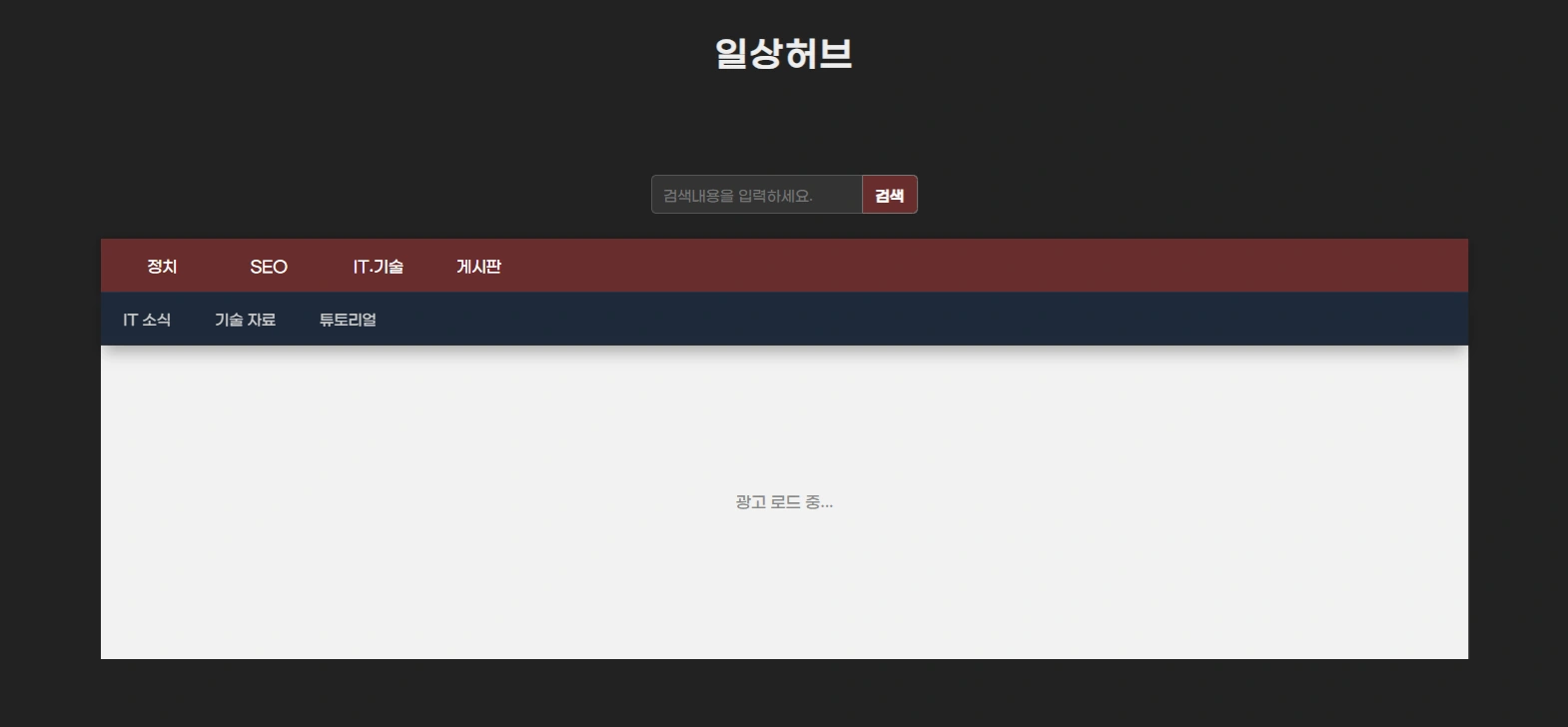
Automatic Ad Switching Code for Blogs
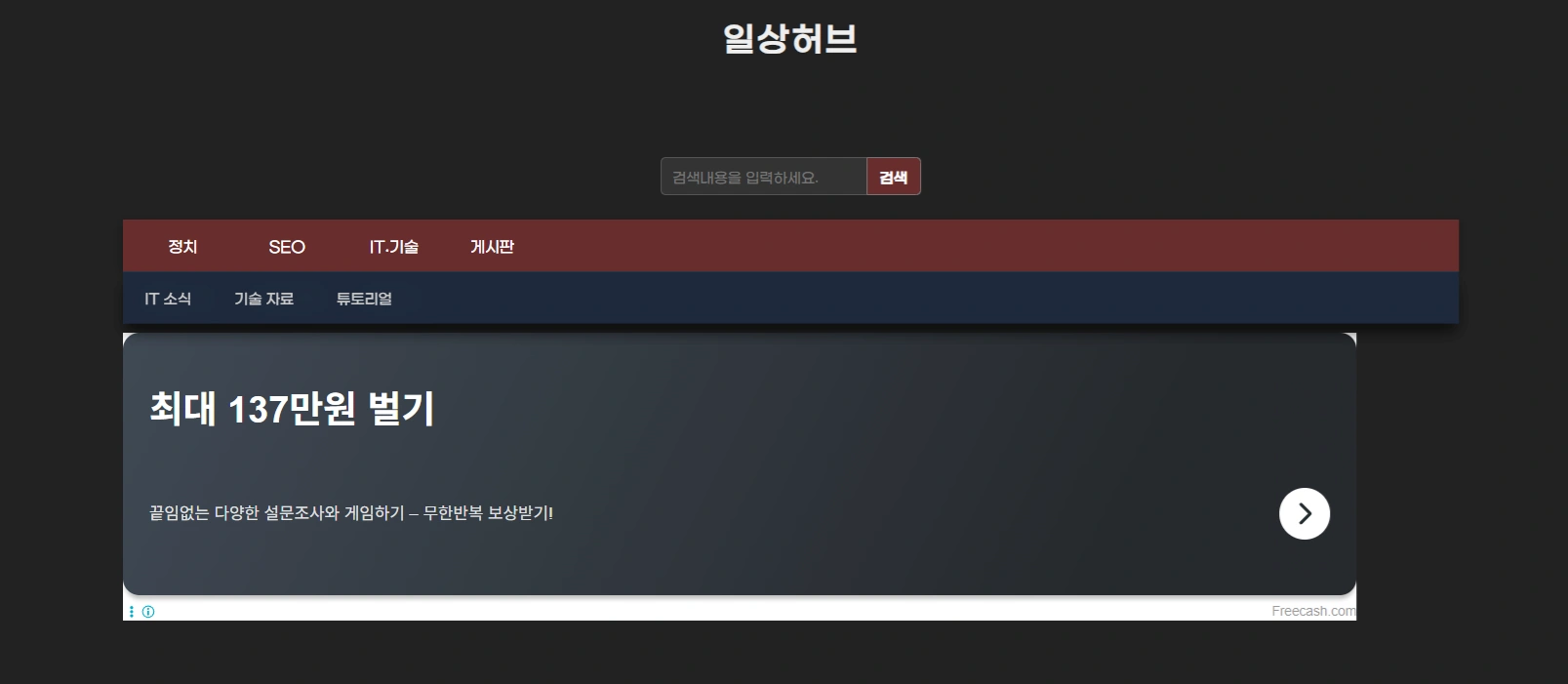
This method aims to prevent revenue loss due to ad non-display by displaying a secondary ad if the primary ad is not shown, and further displaying an affiliate ad or image ad if the secondary ad also fails. You can easily implement this using the method below.
How to Install the Ad Code (Tistory Standard)
The code below can be inserted into the **Tistory Admin Skin Editor HTML Edit** or the **HTML tab of the writing screen.**
- **Apply to Entire Skin**: Insert at the desired location in the Skin Editor HTML Edit (e.g., inside the body tag)
- **Apply to Individual Post**: Insert at the desired location in the HTML tab of the post editor
You only need to change your own ad codes in the following snippet:
div class="ad-container"
div class="ad-placeholder" id="initial-placeholder"Ad Loading.../div

!-- Stage 1: AdSense Ad --
div id="adsense-ad" class="ad-slot"
 ins class="adsbygoogle"
 style="display:block;width:100%;height:100%;"
 data-ad-client="ca-pub-YOUR_ADSENSE_CLIENT_ID_HERE"
 data-ad-slot="YOUR_ADSENSE_SLOT_ID"
 data-ad-format="auto"
 data-full-width-responsive="true"/ins
/div

!-- Stage 2: Kakao AdFit Ad --
div id="kakao-ad" class="ad-slot"
 ins class="kakao_ad_area"
 style="display:block;width:100%;height:100%;"
 data-ad-unit="DAN-ADFIT_UNIT_ID"
 data-ad-width="728"
 data-ad-height="90"/ins
/div

!-- Stage 3: Image Ad (Affiliate or Self-Promotion Ad) --
div id="fallback-ad" class="ad-slot fallback-image"
 img src="https://yourdomain.com/images/fallback-ad.webp" alt="Ad Image" loading="lazy"
/div
/div
JavaScript Code (Automatic Switching Script) Explanation and Insertion
The code below is the core script that detects the ad loading status and sequentially switches to the next ad. We used the **MutationObserver** technique to verify if the ad has loaded and secured actual height, increasing accuracy.
script
document.addEventListener("DOMContentLoaded", function() {
const adsense = document.getElementById("adsense-ad");
const kakao = document.getElementById("kakao-ad");
const fallback = document.getElementById("fallback-ad");

// Ad Loading Attempt Function (el: ad element, scriptLoader: corresponding ad script loader, onFail: function for next step on failure, timeout: timeout duration)
const tryAd = (el, scriptLoader, onFail, timeout = 3000) = {
 el.classList.add("visible");
 scriptLoader();

 // Use MutationObserver to detect iframe creation and height
 const observer = new MutationObserver(() = {
 const iframe = el.querySelector("iframe");
 // Success is determined if iframe exists and height is over 50px, observation is stopped
 if (iframe && iframe.offsetHeight 50) {
 observer.disconnect();
 }
 });
 observer.observe(el, { childList: true, subtree: true });

 // Final check of ad load success after timeout
 setTimeout(() = {
 const iframe = el.querySelector("iframe");
 // Failure is determined if iframe is missing or height is 50px or less
 if (!iframe || iframe.offsetHeight = 50) {
 el.classList.remove("visible"); // Hide current ad
 observer.disconnect();
 onFail(); // Attempt next stage ad
 }
 }, timeout);
};

// Stage 1: Load AdSense Script
const loadAdsense = () = {
 const s = document.createElement("script");
 s.src = "https://pagead2.googlesyndication.com/pagead/js/adsbygoogle.js?client=ca-pub-xxxxxx"; // You must change the client ID to your actual value.
 s.async = true;
 s.crossOrigin = "anonymous";
 s.onload = () = (adsbygoogle = window.adsbygoogle || []).push({});
 document.head.appendChild(s);
};

// Stage 2: Load AdFit Script
const loadAdfit = () = {
 const s = document.createElement("script");
 s.src = "//t1.daumcdn.net/kas/static/ba.min.js";
 s.async = true;
 s.onload = () = (kakao_ad_area = window.kakao_ad_area || []).push({});
 document.head.appendChild(s);
};

// Execution Order: Try AdSense - If failure, try AdFit - If failure, display Image Ad
tryAd(adsense, loadAdsense, () = {
 tryAd(kakao, loadAdfit, () = fallback.classList.add("visible"), 2000); // AdFit timeout 2 seconds
}, 3000); // AdSense timeout 3 seconds
});
/script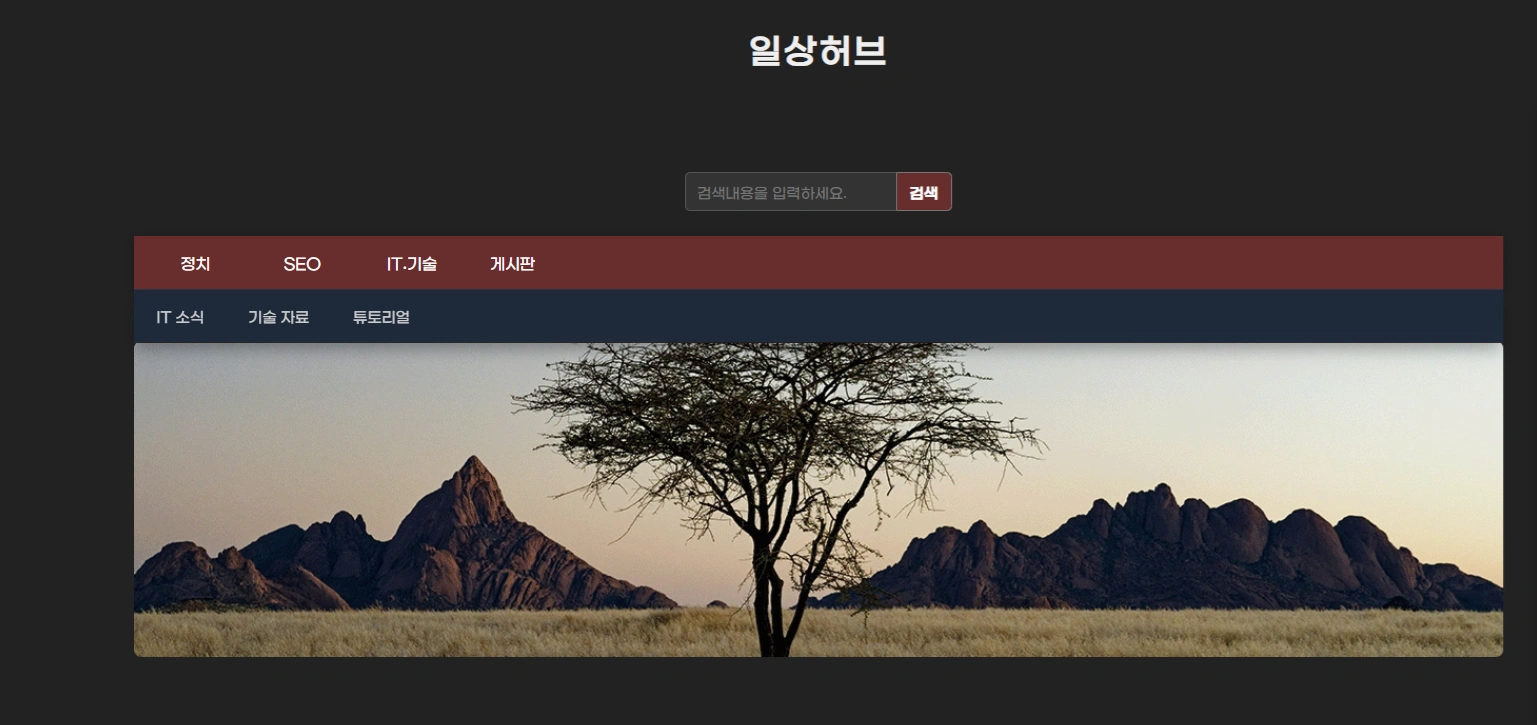
Notes and Advantages of Ad Setup
- You must replace the **data-ad-client**, **data-ad-slot**, and **data-ad-unit** values with your own ad code values. Especially, the AdSense `client` value within the JavaScript must also be modified.
- The image ad address must also be modified to your own server or affiliate image address. Utilizing image ads can generate additional revenue by directly linking to **specific affiliate marketing**.
- Since script tag insertion may be restricted in Tistory, you must modify it directly in the **HTML Edit** menu.
- It is recommended to insert ads in **highly visible locations** such as the top, middle, or bottom of the content.
Key Advantages of the Code (Profitability and SEO Perspective)
| Feature | Description |
|---|---|
| Ad Loss Prevention | Automatically switches to AdFit or an image upon AdSense failure, complementing the **AdSense Fill Rate** issue. |
| Layout Stability | Prevents CLS (Content Shift) issues with a fixed height (`height: 300px`) CSS setting, contributing to SEO by improving Core Web Vitals scores. |
| Profit Maximization | Revenue loss is minimized as an ad is always displayed, and **long-tail revenue opportunities** (affiliate images) are secured. |
| Mobile Responsiveness | Guarantees stable display on all devices using a 100% responsive structure. |
| Ad Policy Compliance | Enables stable operation by automatically handling temporary blockages or non-displays by major ad platforms. |
CSS Styling Explanation and Importance of Multi-Ad Operation
This code uses precisely designed CSS to ensure the visual stability of the ads. The role of the CSS code is to prevent content from shifting while the ad is loading (CLS) and to control the display so that only one ad is clearly visible.
Script Code Explanation
The core operating principles of the JavaScript that controls the ad logic are as follows:
- DOM Load After Execution: It runs after the basic elements of the page have loaded, minimizing the impact on the page's initial loading speed (LCP).
- Fallback System: It is sequentially called in the order of AdSense, AdFit, Image via the `tryAd()` function, and each ad determines failure based on timeout and whether the actual iframe has loaded.
- MutationObserver Utilization: It accurately captures the asynchronous timing when the ad code is inserted and verifies whether the ad has actually occupied the area (height 50px) to reduce false positives.
CSS Class Explanation for 3-Stage Ad Display
| Category | Class | Description |
|---|---|---|
| Ad Entire Area | .ad-container | Sets a **fixed height** (`height: 300px`) to prevent CLS and center alignment (`display: flex`). |
| Each Ad Area | .ad-slot | Overlaps all ads in the same position using `position: absolute`. They are initially hidden with `visibility: hidden` and `opacity: 0`. |
| Ad Display Status | .visible | Applied only to the ad successfully loaded by the script, displayed on the screen with `visibility: visible` and `opacity: 1`. |
| Image Ad | .fallback-image img | Fills the ad area while maintaining the aspect ratio (`object-fit: cover`) to avoid blank space. |
| Loading Guidance Text | .ad-placeholder | Background area that displays guidance text to the user while the ad is loading. |
style
.ad-container {
width: 100%;
height: 300px; /* Essential fixed height to prevent CLS */
overflow: hidden;
position: relative;
display: flex;
justify-content: center;
align-items: center;
}

.ad-slot {
width: 100%;
height: 100%;
position: absolute;
top: 0;
left: 0;
display: flex;
justify-content: center;
align-items: center;
visibility: hidden;
opacity: 0;
transition: visibility 0s, opacity 0.5s ease-in-out;
}

.ad-slot.visible {
visibility: visible;
opacity: 1;
}

.fallback-image img {
width: 100%;
height: 100%;
object-fit: cover;
}

.ad-placeholder {
background: #e0e0e0;
color: #888;
text-align: center;
line-height: 300px; /* Set equal to height value */
width: 100%;
height: 100%;
font-size: 1.2em;
}
/style
Conclusion on Multi-Ad Strategy
| Order | Ad Type | Fallback on Failure | Fallback Method |
|---|---|---|---|
| 1 | AdSense (High Revenue) | If fails | Kakao AdFit |
| 2 | Kakao AdFit (Medium Revenue) | If fails | Affiliate Image |
| 3 | Affiliate Image (Long-Tail Revenue) | Final Display | - |
A structure relying on a single ad is highly unstable. **If AdSense is blocked or suspended due to a policy violation, ad revenue could drop to zero.** Therefore, **running 1-2 auxiliary ads** is one of the good strategies to reduce revenue volatility.
Furthermore, **if you run multiple ads, a multi-ad structure can be an essential strategy, not an option.** An ad structure that falls back sequentially, such as **AdSense, AdFit, and Affiliate Image** as introduced in this code, is a way to secure both **profitability and stability** simultaneously.
Frequently Asked Questions (FAQ)
Does using this 3-step ad switching code slow down the page loading speed?
This code loads the ad script asynchronously (`s.async = true`) and executes after the `DOMContentLoaded` event, so it does not interfere with the loading of the page's main content. Also, if loading is not completed within a specific time (3 seconds/2 seconds), it quickly transitions to the next step, preventing one ad from infinitely delaying the page load.
Does this violate AdSense policy? Can multiple ads be overlapped?
This code uses `position: absolute` and `visibility: hidden` so that only one ad is visible (displayed) to the user. AdSense policy prohibits simultaneously displaying multiple ads in one ad slot, but sequentially and exclusively displaying them through logic does not violate the policy. That is, only the successful ad remains on the screen.
Does inserting an affiliate image ad lead to SEO disadvantages?
If the affiliate image is only used to fill the 'blank space' where an ad does not display, uses an appropriate `alt` tag, and is relevant to the content, it does not negatively impact SEO. In fact, it has the positive effect of preventing CLS errors caused by blank spaces, thereby improving Web Vitals scores.